I spent the last 10 years working on Windows. Not because I was loyal to it, but because it was what I knew. Every new PC came with Windows preinstalled, every piece of software I needed had a Windows version first, and every colleague I worked with used the same ecosystem. Switching felt unnecessary.
But over the last year, I started noticing things that pushed me toward Linux. Forced updates that rebooted my machine at the worst possible moment. Ads creeping into the Start menu. AI features being pushed into the OS that I never asked for. I decided to try Linux Mint as my daily driver, and after three months, here is what I learned.
Why Linux Mint
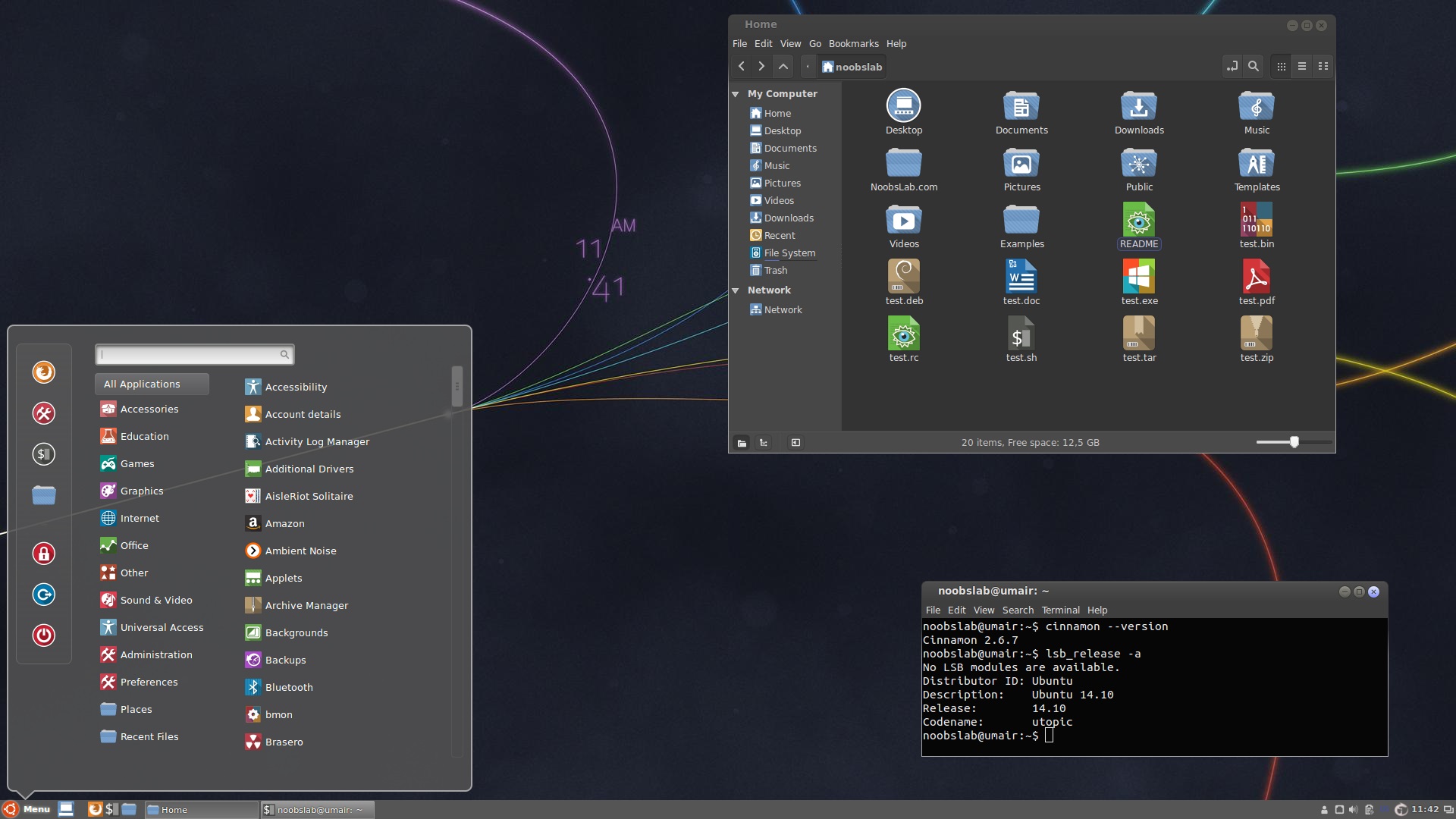
I did not want a distro that required constant terminal commands or one that broke after every update. I needed something that worked out of the box, looked familiar, and let me get work done without fighting the OS. Linux Mint with the Cinnamon desktop fit that description perfectly.
The interface feels natural coming from Windows. The bottom panel, the Start-menu equivalent, the system tray — it is all there. I did not have to relearn how to navigate my computer. That alone made the transition smoother than I expected.
What Worked Well
My core workflow transferred without issues. Firefox, VS Code, LibreOffice, Thunderbird, GIMP — all available on Linux. I installed most of my tools through the Software Manager, which is similar to an app store. No hunting for download links or dealing with installer wizards.
Performance was the biggest surprise. Linux Mint runs noticeably lighter than Windows 11 on the same hardware. My laptop, which had started feeling sluggish under Windows, felt responsive again. Boot times dropped from over a minute to under 15 seconds. The system idles at around 800MB of RAM usage compared to Windows' 3-4GB.
Updates are handled quietly in the background. No forced restarts. No "we are installing updates, do not turn off your PC" messages appearing in the middle of a deadline. The Update Manager tells me what is available, and I choose when to apply it.
What Took Getting Used To
Software installation was the biggest adjustment. On Windows, I downloaded .exe files from websites. On Linux, most software comes through package managers. The Software Manager covers most needs, but for anything outside that, I had to learn the terminal commands. Installing something like sudo apt install is not difficult, but it required breaking a 10-year habit.
Some proprietary software does not run natively. Microsoft Office is the obvious one. I use LibreOffice for documents, and it handles 90 percent of what I need. For the remaining 10 percent, I keep a Windows virtual machine for those specific cases. Adobe products are another gap, but I do not rely on them in my workflow.
Hardware compatibility was hit and miss. My printer required a manual driver install. My laptop's fingerprint reader did not work at all. Everything else — keyboard, mouse, display, Wi-Fi, Bluetooth — worked without issues.
The Things I Will Not Go Back To
After three months, some things make it hard to consider going back to Windows. The lack of telemetry is refreshing. No background processes sending data to Microsoft. No ads in the OS. No Copilot button on the taskbar.
The stability is also hard to give up. Linux Mint has not crashed once in three months. I cannot say the same about my Windows experience, where a Blue Screen of Death was a monthly occurrence on some machines.
The control over my system is another factor. I decide what runs, what updates, and when. There is no background process deciding to scan my files or index my drives without my permission.
Who Should Make the Switch
Linux Mint is ready for anyone who uses their computer for web browsing, document editing, email, and media consumption. It is also excellent for developers, especially those working with web technologies, Python, or any open-source stack.
It is not ideal if you rely heavily on Microsoft Office with complex macros, need Adobe Creative Suite, or play games that depend on anti-cheat software that does not support Proton. For everyone else, it is worth trying as a dual boot before committing fully.
Bottom Line
Switching to Linux Mint after 10 years on Windows was easier than I expected and harder in ways I did not anticipate. The OS itself is polished, fast, and respectful of my time. The learning curve is real but manageable. If you are frustrated with where Windows is heading, Linux Mint offers a genuine alternative that does not ask you to compromise on productivity.